What's Actually Happening
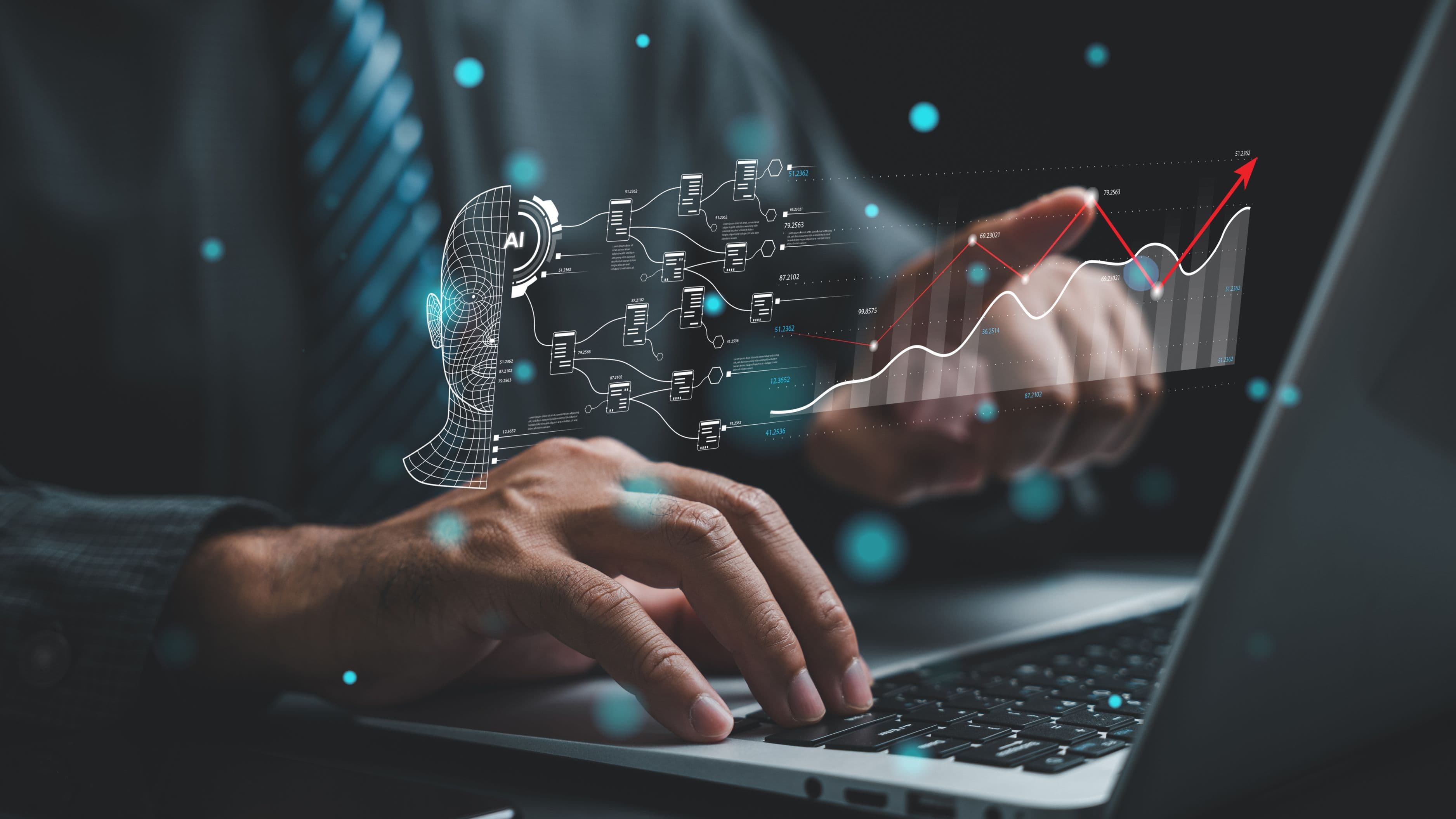
Modern accounting software has started using AI models trained specifically to read financial documents – receipts, invoices, bank statements, expense reports – and pull out the relevant information automatically: dates, amounts, vendor names, categories. Instead of an accountant manually typing each line into a ledger or spreadsheet, the AI scans the document, extracts the data, and slots it into the right fields, often flagging anything it's uncertain about for a human to double-check.
This isn't a single feature so much as a layer that's been added across a lot of the tools accountants already use. Platforms like QuickBooks, Xero, and various bank-feed integrations now use this kind of automated data capture as a standard part of how transactions get entered, rather than something bolted on as a separate step.
How It Actually Works
The technology behind this combines optical character recognition (OCR), which reads text from an image or scanned document, with a machine learning layer trained to understand financial documents specifically – recognizing that a certain block of text on a receipt is a total, while another is a date, without needing a human to label each part manually. Over time, these systems also learn from corrections. If an accountant repeatedly recategorizes a certain vendor's expenses in a specific way, the system starts to apply that pattern automatically going forward, which is why the tools tend to get more accurate the longer they're used within a specific firm or business.
A simple way to think about it: instead of a person reading a receipt and typing what they see, the AI reads the receipt and does the typing, then hands over a completed entry for review rather than a blank field waiting to be filled.
Why It Matters in Real Terms
Data entry has historically eaten up a disproportionate amount of an accountant's time relative to the actual value it produces. It's necessary, but it's rarely the part of the job that requires real financial judgment – reconciling discrepancies, advising a client on tax strategy, or catching a pattern that signals a bigger financial issue is where an accountant's expertise actually gets used. Every hour spent manually transcribing a receipt is an hour not spent on that higher-value work.
For a small accounting firm, this shift can mean handling a meaningfully larger client load without proportionally increasing headcount, since the most repetitive and time-consuming task is now partially automated. For an in-house finance team, it can mean expense reports and reconciliations that used to take days getting done in a fraction of the time, freeing people up for analysis and planning instead of transcription.
What This Looks Like Day to Day
Consider a small business owner who used to spend a Sunday afternoon each month manually entering a shoebox of receipts into an accounting spreadsheet. With an AI-assisted tool, they instead photograph each receipt with their phone, the app extracts the vendor, amount, and date automatically, and categorizes it based on patterns learned from previous entries. The business owner reviews the categorized list, corrects anything that looks off, and approves the batch – a process that might take fifteen minutes instead of an entire afternoon.
For an accounting firm working across dozens of clients, bank feed integrations paired with AI categorization mean transactions flow in automatically from connected accounts, get pre-sorted into likely categories, and land in a review queue rather than requiring manual entry from scratch. The accountant's role shifts from typing every line to reviewing a mostly-completed set of entries and correcting exceptions, which is a meaningfully different use of their time and expertise.
Risks and Limitations Worth Knowing
This technology isn't flawless, and it's worth understanding where it tends to fall short. Handwritten receipts, low-quality scans, or unusual document formats can still trip up the OCR layer, leading to misread amounts or missed line items that require manual correction. Automated categorization can also make confident-looking mistakes, especially with ambiguous transactions or a vendor the system hasn't seen before, which is why human review still matters even in a heavily automated workflow.
There's also a data security dimension worth considering, since these tools require uploading financial documents and, often, direct bank account connections to third-party platforms. Choosing tools with strong security practices and being cautious about which platforms get access to sensitive financial data remains an important part of using this technology responsibly, rather than assuming automation removes the need for that scrutiny.
Finally, it's worth being realistic that this shift changes the nature of accounting work rather than eliminating the need for skilled accountants. The routine data entry shrinks, but reviewing AI-generated entries for accuracy, handling edge cases, and providing the judgment-based advice that AI can't replicate remain squarely human tasks, at least with the current generation of these tools.
What to Watch Next
As these AI systems get better at recognizing edge cases and unusual document formats, the amount of manual review needed will likely keep shrinking, though probably gradually rather than all at once. It's also worth watching how accounting software continues to integrate these features more deeply into everyday workflows, since the trend so far has been toward automation becoming a built-in expectation rather than a premium add-on.
FAQ
Does AI-powered data entry mean accountants are becoming less necessary? Not in a straightforward way. The routine data entry portion of the job is shrinking, but the analysis, judgment, and advisory parts of accounting still require human expertise that current AI tools aren't designed to replace.
How accurate is AI at reading receipts and invoices? Accuracy has improved significantly, especially for clean, standard documents, but it's not perfect. Handwritten or unusual documents still often require manual review and correction.
Is it safe to upload financial documents to AI-powered accounting tools? Reputable platforms use encryption and strong security practices, but it's still worth researching a specific tool's security measures before connecting sensitive financial accounts or uploading documents.
Do small businesses need expensive software to benefit from this? Many popular accounting tools, including QuickBooks and Xero, now include AI-assisted data capture as a standard feature rather than a premium add-on, making it accessible for small businesses without a large software budget.
📚 Sources
QuickBooks – Automated Receipt Capture and Categorization, https://quickbooks.intuit.com/r/expenses/receipt-scanning/
Xero – Bank Feeds and Automation Features, https://www.xero.com/us/features-and-tools/accounting-software/bank-feeds/
American Institute of CPAs – AI in Accounting Overview, https://www.aicpa-cima.com/resources/landing/artificial-intelligence-in-accounting